
Drag, drop and design your entire wedding seating chart in minutes. Import your guest list, arrange every table on a gorgeous visual canvas, and hand your venue a polished, colour-coded plan.
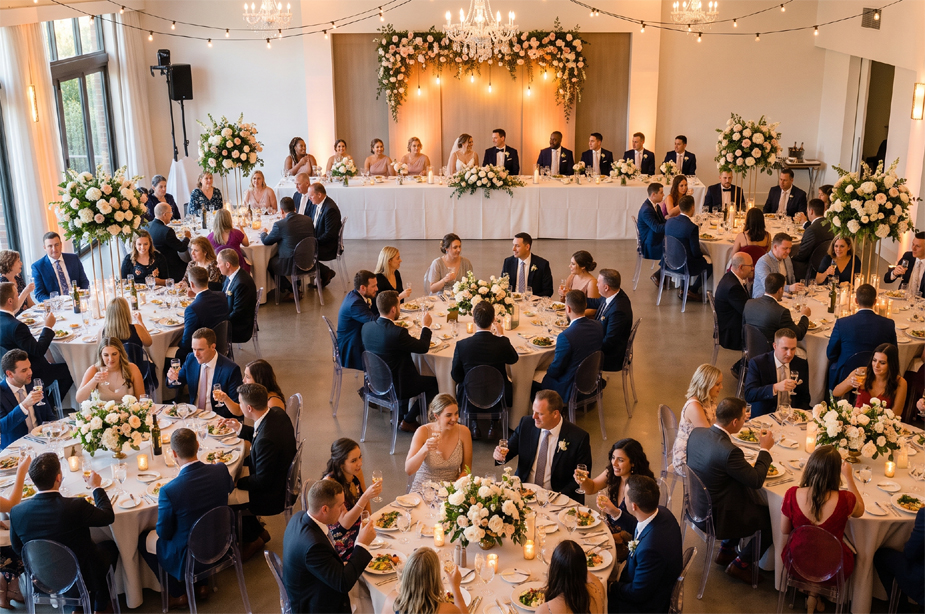
Seating a wedding isn't really about tables. It's family politics, last-minute changes and dietary lists. Here's how the planner takes the sting out of each one.
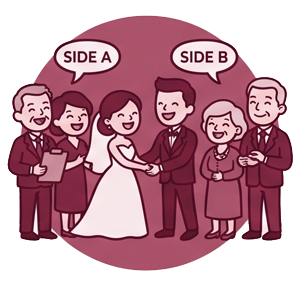
Colour-code the two sides, group families to keep them together, and keep a private note on every guest — so you know exactly who can't sit near whom before the day.

Cancellation, surprise plus-one, a swap the night before? Drag anyone to a new seat, undo mistakes, and everything re-counts live. Nothing to reprint, nothing to redraw.

A dozen-plus tables is a lot of dragging. Import your whole list, then let Auto Fill seat everyone at once — keeping families and each side together automatically.

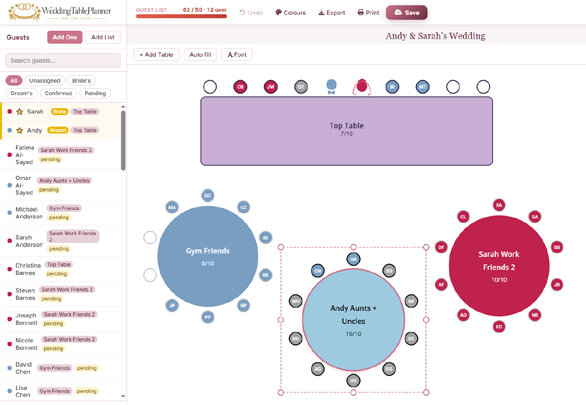
Family-group and side colours make it obvious at a glance who's sitting with people they know — so you can spot the lonely seat and fix it before your guest ever feels it.

Tag Vegetarian, Vegan, Gluten-free, Halal, Kosher and more per guest, with notes. Each table shows its own dietary summary, and your caterer gets it all in one export.

Hand your venue a polished Word, CSV, PNG or printed chart — or share a live link with a QR code where guests tap "find my seat." Update once and everyone sees the latest.
No spreadsheets, no sticky notes, no stress — just a fun and easy way to go from a list of names to a beautiful, ready-to-share seating chart in one sitting.
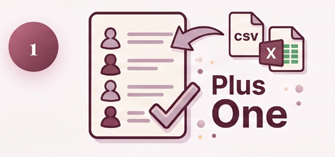
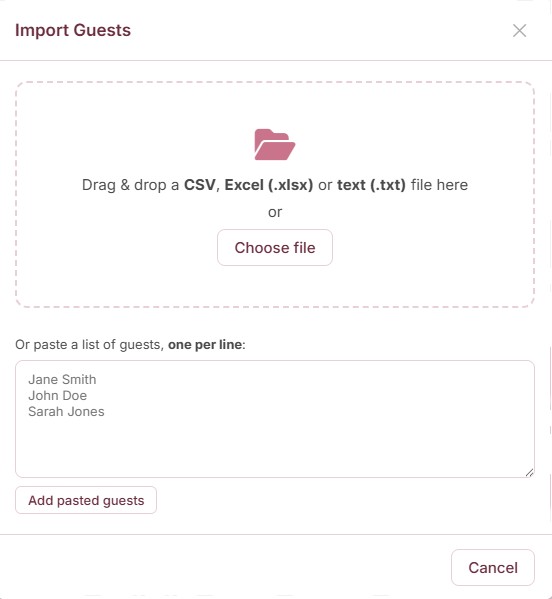
Type them in, add a Plus One with a tick, or import your whole list from CSV, Excel, or a simple pasted list. Smart column detection does the heavy lifting.
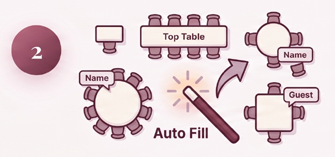
Add round, square, rectangular or top tables, then drag each guest into a seat — or let Auto Fill seat everyone for you in one click.
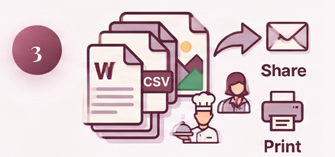
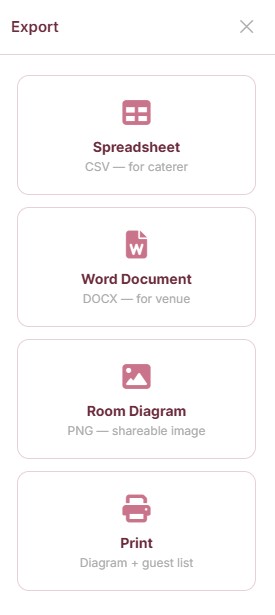
Download a Word doc, CSV, or PNG diagram — or print it straight off. Hand your venue and caterer a professional, colour-coded plan.
Ready to try it? Your first plan is completely free.
Start Planning Free →Every part of the app is built to make one of the fiddliest wedding jobs feel effortless — and look beautiful while you do it.
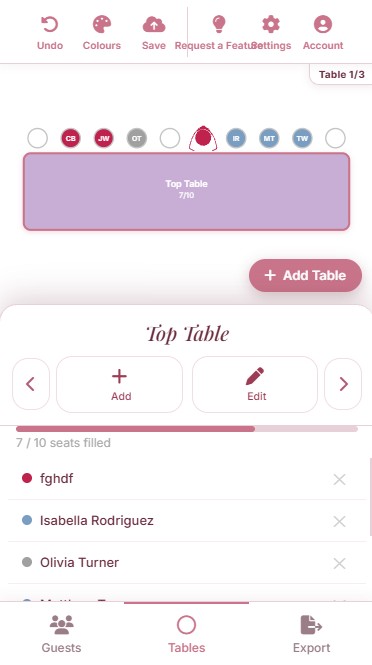
Drag guests straight from your list onto tables and watch everything update live. Reposition tables freely, see real-time seat counts (like 8/10 filled), and click any seat for full guest details.
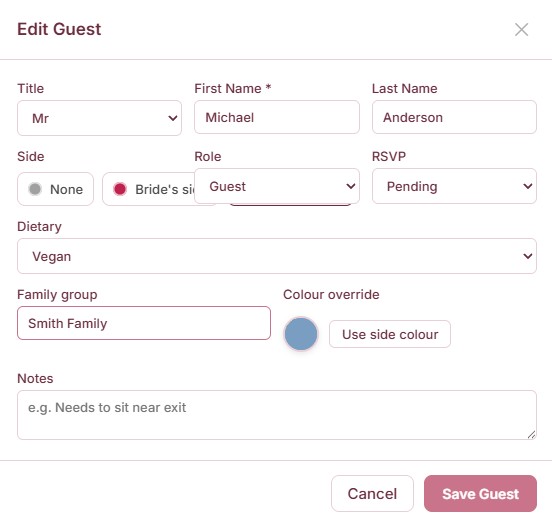
Keep title, name, side, RSVP status, dietary needs, family group and personal notes for each guest. Search and filter instantly to find exactly who still needs a seat.
Already have a spreadsheet? Drag and drop a CSV, Excel or text file — or paste a list of names, one per line. The planner detects your columns and shows a preview before anything changes.
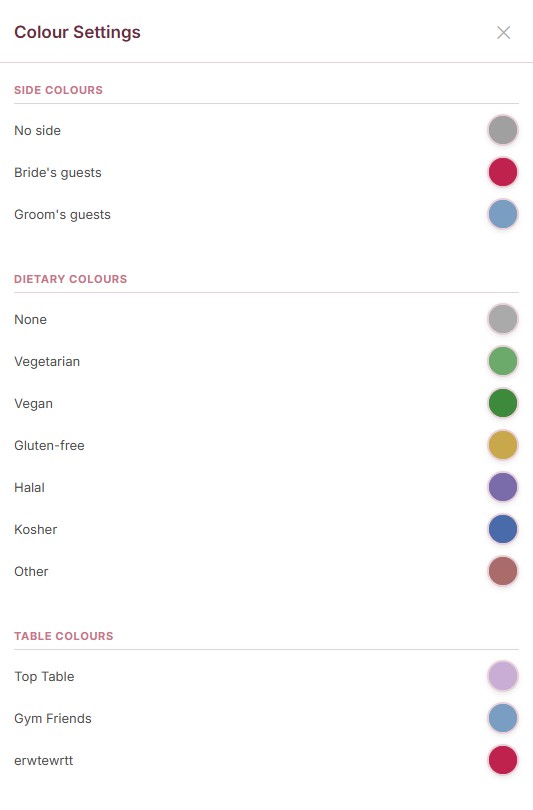
Colour-code guests by bride's or groom's side, by dietary requirement, and give each table its own colour. Instantly spot that families are together and dietary needs are spread sensibly — then hand caterers a colour-coded plan.
The planner is fully responsive with touch-optimised drag and drop, a card view of your tables, and a bottom tab bar for Guests, Tables and Export. Plan on the sofa, on the train, or with your partner over coffee.
All of this is free to use — you only pay when you're ready to export.
Build Your Seating Plan →One click and your plan is ready to hand over — in whichever format your venue or caterer prefers. The Word document even includes a cover page, per-table guest lists and a full dietary summary.
Build your entire seating plan for free — unlimited guests and tables, saved to your account. When you're ready to share it, unlock unlimited exports forever with a single payment. No subscription, ever.
Everything you need to plan
Pay once — yours forever
Prices shown in GBP (£9.99). US visitors are billed $12.99. Secure one-time payment via Stripe.
Free to build, beautiful to use, and ready in minutes.
Open the Planner →